Omniwithdrawals
 Early Payouts
 Crypto Wallets
 Advances
 Express
 vIBAN
vIBAN Music
Music Facebook distribution
 Team Finance
 Webmon
 YouTube Playables
 Viral Music
 Influencer marketing
 Affiliate program
 About Us
 Services
 Security
 Finances
 Careers
 Blog
Blog
YouTube Launches “Goals” for Gifts and Effects Maker for Live Streams
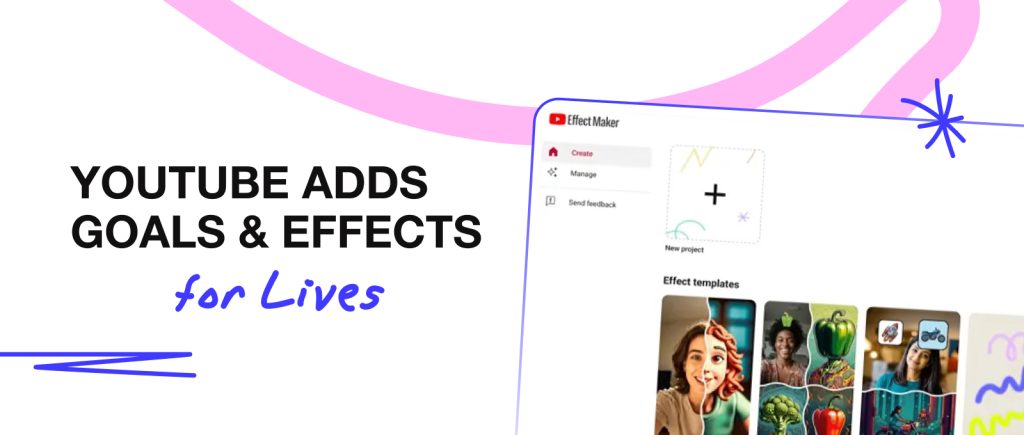
Now every creator can enable gift goals for their live streams, choose a suitable deadline, and select a reward for reaching the desired target. And most importantly: each “winner” will be visually marked in the chat after reaching the required number. YouTube representatives are confident that this will motivate viewers to send donations and gifts to their favorite creators more actively during live streams. In addition, they added seasonal donation stickers in the form of cute animals, which are updated every month depending on the viewer’s contribution to live streams.
What’s more, YouTube has improved the auto-dubbing of audio tracks and subtitles for live streams, making it even easier for international viewers to understand your content. And the cherry on top is Effects Maker, which allows your viewers and other creators to use the animations and masks you’ve created right in YouTube Shorts.
Instagram Added Automatic Analytics Reports
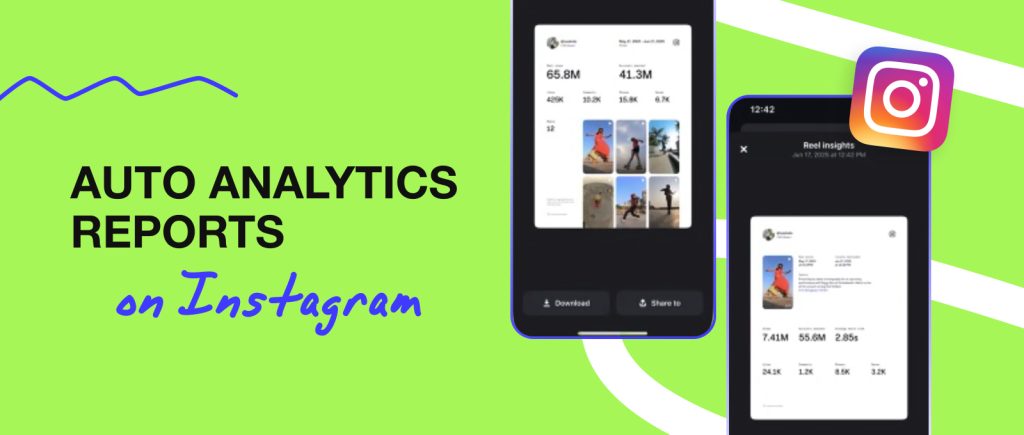
Advertisers request a summary of statistics, but it takes a lot of time to create? Instagram has resolved this issue by creating a separate PDF file with automatically compiled statistics on your content. The data includes views, likes, comments, saves, and clicks on the “share” button —everything that reflects the level of engagement of your audience during a specific period of time. So now it will be easier for creators to share their statistics with advertisers and not lose out on great collaborations because of the gathering-all-the-figures-in-one-document challenge.
The new feature complements the existing Creator Insights, which provides a summary of posts over a 30-day period. The new performance statistics are designed to enable data on publications and advertising campaigns to be collected in one click, making life easier for many creators.
YouTube Shorts Now with Alternative AI Endings!
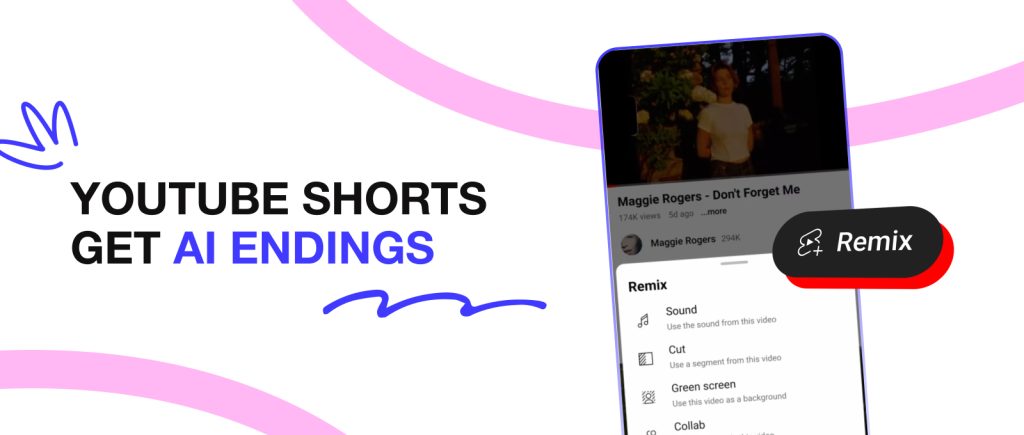
A new feature has recently appeared on YouTube Shorts based on AI called “Extend with AI”, which allows you to work with video endings in a new way. Now, using the Cut tool with AI, you can select a fragment of up to 5 seconds, get the AI hint you need, and create a new alternative ending for your video in Shorts. You can upload it with a link to the video with the original ending and see which of the videos is more successful.
What does this provide? The new feature allows you to conduct A/B testing of alternative endings and gain a better understanding of what type of content is more interesting to your viewers and what they are more likely to engage with.
Meta Launches Separate Feed for AI Videos
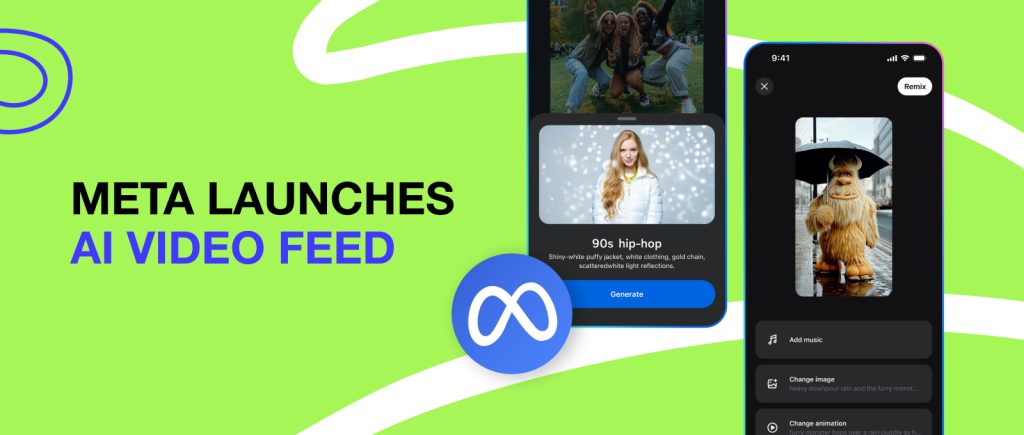
Now there is a separate place for AI creativity called Vibes. This is a separate feed consisting only of videos created using Meta.ai. How does this benefit creators? Vibes is literally a new mini-platform where creators and brands can engage new audiences and increase their number of followers. Plus, creating videos on this platform is quite simple: you can use Meta.ai for new videos or make a mix from existing AI videos. We recommend paying attention to this new trend now, before it becomes mainstream.
YouTube Creators Will Be Able to Remove End Screens
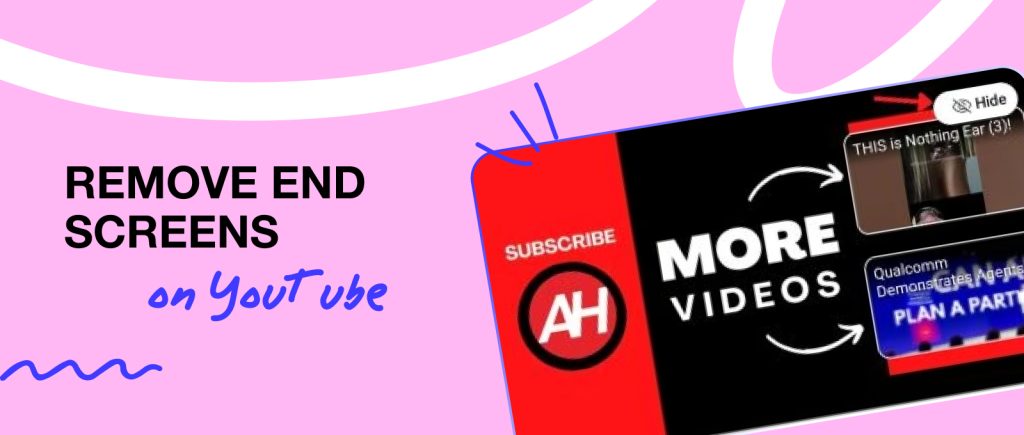
Don’t like classic end screens in the last 10 seconds of a video? We get it, they can cover up part of the video where the creator might be saying something important, even though the focus is no longer on them, but on the automatic subscribe button and previous videos. Now YouTube allows you to remove it using the Hide button. So you can edit the end of the video however you like.
It is important to note that the end screen will remain unchanged unless you manually remove it using the Hide button. YouTube leaves this option open for those who may still find it convenient to use an automatic end screen.
New Comment Filters and Highlights on YouTube Live Streams
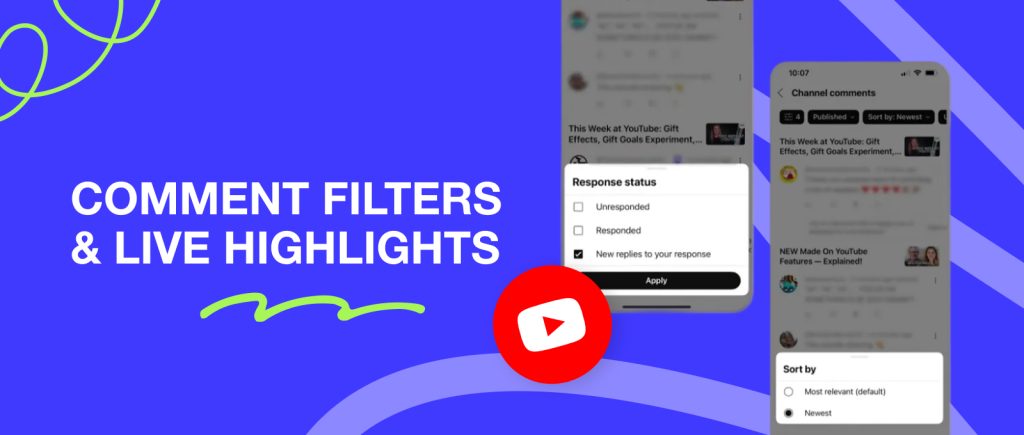
YouTube announced the addition of new comment filters for live streams. Now you can sort user responses by recency using the New Replies to Your Response tab. Plus, from now on, your personalized comment filters can be saved not only in the desktop version, but also in the mobile version.
Another cool update will be auto-highlights after your live streams. Based on AI, you will be offered the most vivid and interesting fragments that you can post as a ready-made teaser on YouTube Shorts.
TikTok Shares Video Ideas Based on Your Content
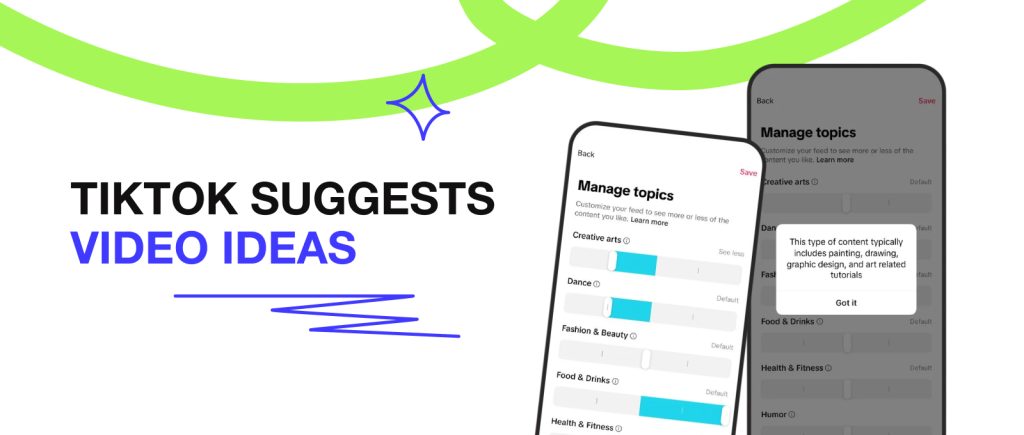
A new tab will appear in TikTok analytics with video ideas that may be relevant to your content. This way, the platform aims to assist creators in producing engaging videos and increase the frequency of content publication on the platform.
This is somewhat similar to the Inspiration tab in YouTube Studio, which is also designed to speed up the process of finding new content ideas without spending hours monitoring all the trends. How is the new tab in TikTok different? It contains ready-made search queries, video titles, and necessary keywords + a Create button so you can start creating videos right away.
YouTube Studio Introduces Even More New Features
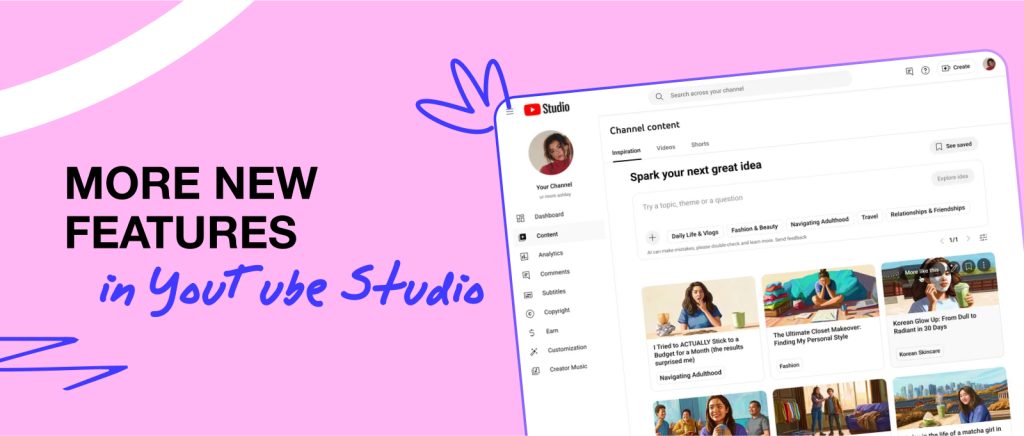
Want to get the most out of YouTube Studio? The platform provided this option in September. What new features can creators already test?
First of all, there is the convenient AI assistant called Ask Studio, which can help you with quick content ideas, insights on analytics and engagement, and opinions on any content-related questions you may have.
Second of all, the Inspiration section has been updated, providing 9+ ideas for your videos based on your query and content.
Third of all, there is a new tab for A/B title testing, where you can find out in advance which video title is better.
In addition, YouTube has introduced several other interesting updates: Auto-dubbing with lip synchronization, a Collaborations tab with 5+ options for creators to collaborate, and a special AI detector that identifies videos featuring you and removes impersonators at your request.