Omniwithdrawals
 Early Payouts
 Crypto Wallets
 Advances
 Express
 vIBAN
vIBAN Music
Music Facebook distribution
 Team Finance
 Webmon
 YouTube Playables
 Viral Music
 Influencer marketing
 Affiliate program
 About Us
 Services
 Security
 Finances
 Careers
 Blog
Blog
YouTube Launches Tool to Remove Deepfakes
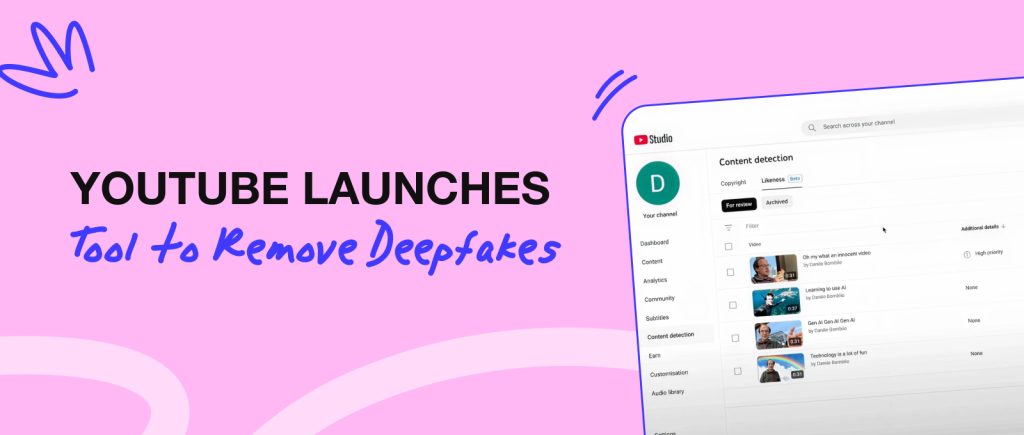
Worried that someone might advertise a product and use your face via AI? Concerned that your videos might be copied and reuploaded for profit? YouTube has developed new technology for members of the Partner Program. With it, algorithms automatically detect the use of your image and block the video, notifying you of the violation.
So how to enable it? Go to the “Likeness ” tab, consent to data processing, and scan the QR code on your smartphone screen to verify your identity with a video selfie.
Instagram Introduces Filter for Children’s Content
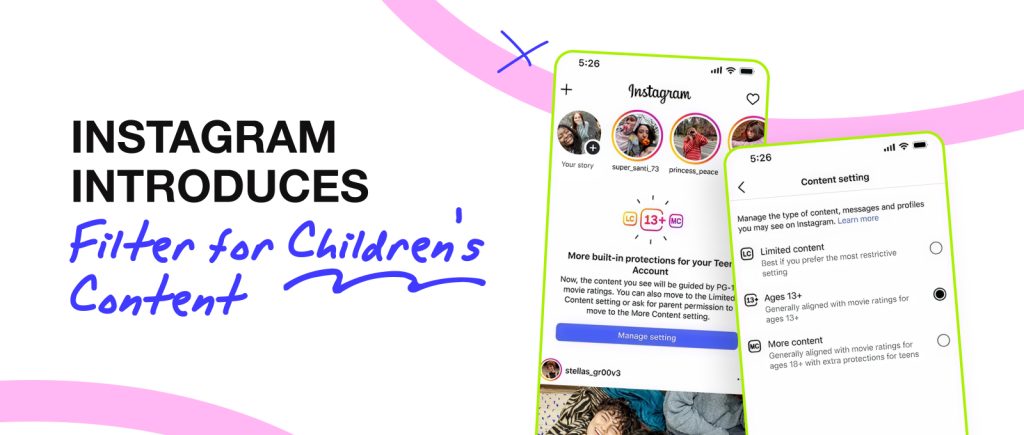
Inspired by PG-13 movie ratings, Instagram has also developed its own filter for children’s content. This means that users under the age of 18 will be protected from content promoting harmful habits, profanity, and unhealthy lifestyles.
On the one hand, these are very positive and appropriate changes. On the other hand, this puts the content of young creators at risk, as they may be cut off from their target audience due to these filters. How well will this work? Only time will tell.
TikTok Added a New AI Tool and Increased Creators’ Revenue
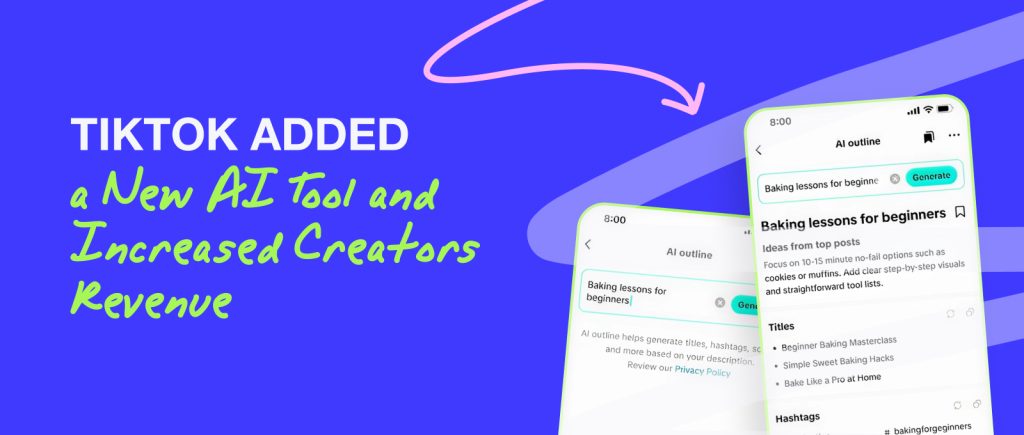
The platform has launched two new tools: Smart Split and AI Outline. The former simplifies and automates content editing directly in TikTok Studio. It can automatically turn a long video into a short one with subtitles, fast-paced editing, and high-quality audio. The second feature assists with content planning. It generates video descriptions, scripts, hooks, and hashtags based on Creator Search Insights. This means you don’t have to spend hours on your content plan because the AI will make it for you.
Also, TikTok has changed its stance on sharing revenue with creators. Thus, the percentage of earnings that creators ultimately receive has been increased to 70%. Previously, it was around 50%.
YouTube TV Becomes More Convenient for Creators
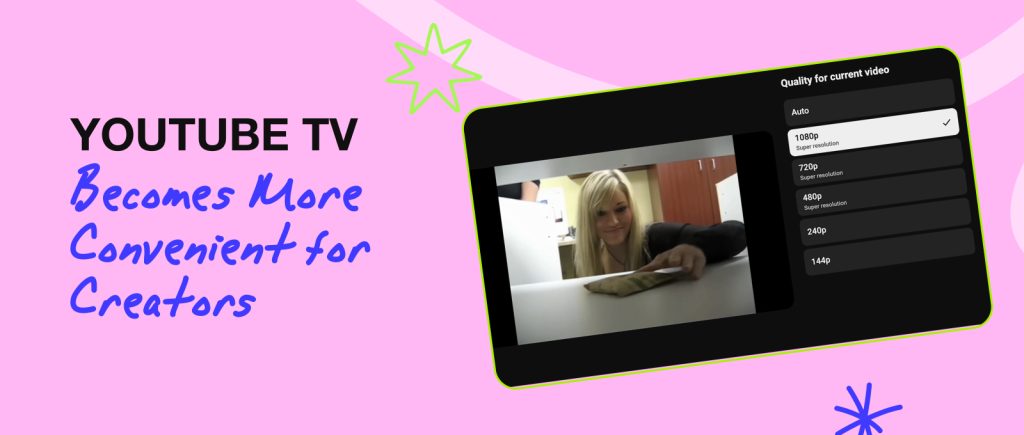
The video hosting service has introduced several updates designed to improve the viewing experience of content created for TV. These include: increasing the thumbnail file size limit from 2 to 50 MB (to make them even higher quality), optimizing videos to 1080p (using AI), and previewing channels on the YouTube homepage (just like on TV). Also, viewers will now be able to scan the code directly from the TV to immediately learn about the product and purchase it while watching the video.
Instagram Expands Range of New Useful Features
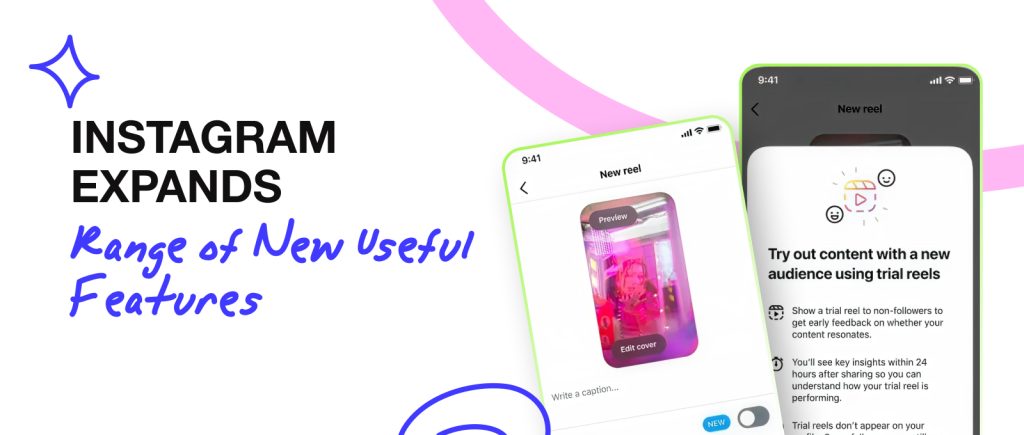
By the end of the year, Instagram decided to take the platform to the next level and treat creators to some cool updates. In October, it was announced that the length of videos would be increased to 3 minutes, and in some cases to 20 minutes (for mini-documentaries and large-scale content), the Trial Reels algorithm for testing new formats on new audiences, and automatic scrolling of the feed so that users do not have to swipe themselves.
In addition, creators now have improved reposting features, the ability to publish exclusive content for subscribers with a paid subscription, and speed up and slow down videos in Edits.
Adobe Premiere Announces New Features for YouTube Shorts
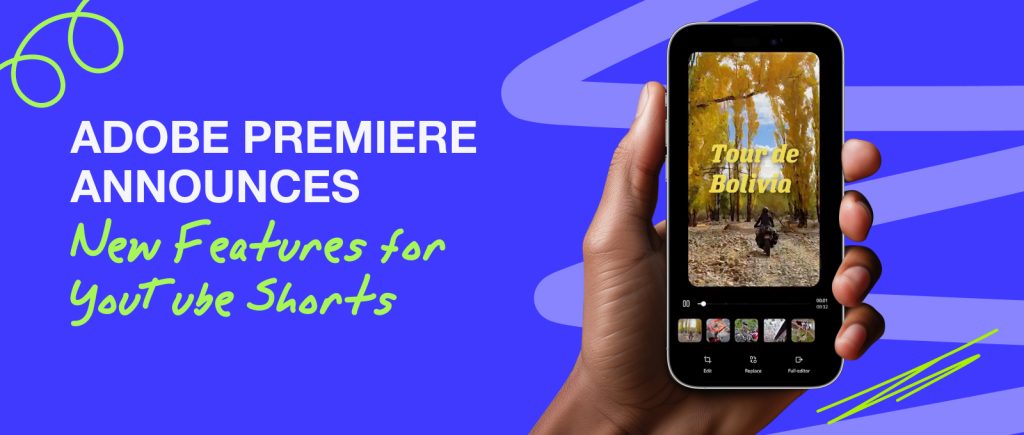
With the development of Shorts, more and more programs are creating convenient features to speed up the creation of short content. The trend started with CapCut, and now Adobe Premiere has picked up the torch. The company announced the introduction of templates for shorts. This will help you quickly generate videos ranging from 15 to 60 seconds using ready-made solutions.
What’s on the list of updates? Exclusive effects, transitions, and title settings, ready-to-use templates with professional transitions and effects, as well as customizable templates. You’ll be able to upload such videos directly from the Adobe Premiere application.